
Antero Reports can be customized for a more rich reporting experience.
First we will need to locate the report we wish to customize.
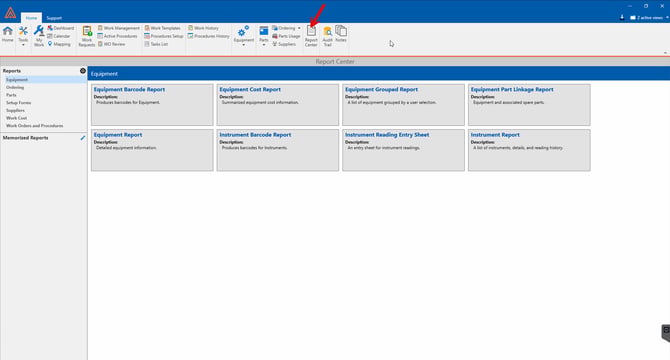
Click the Report Center located on the top panel of Antero.
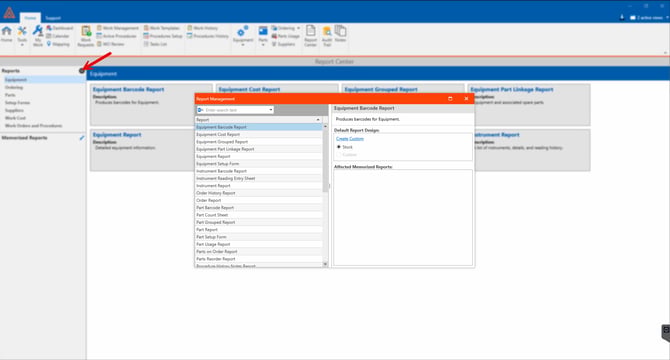
Press the "Cog" Icon to open a list of all reports.
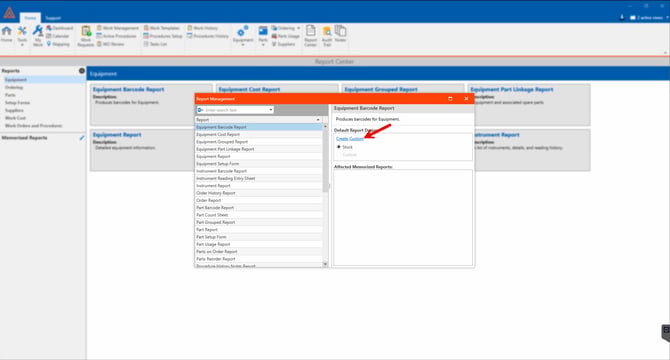
Select the report you want to customize, and click on create custom.
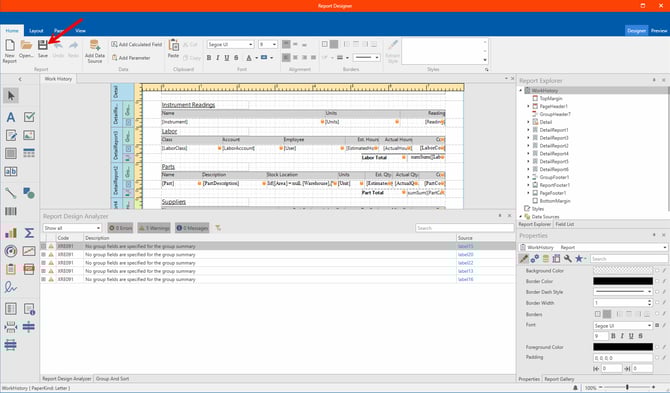
The custom report editor window will open as shown below.
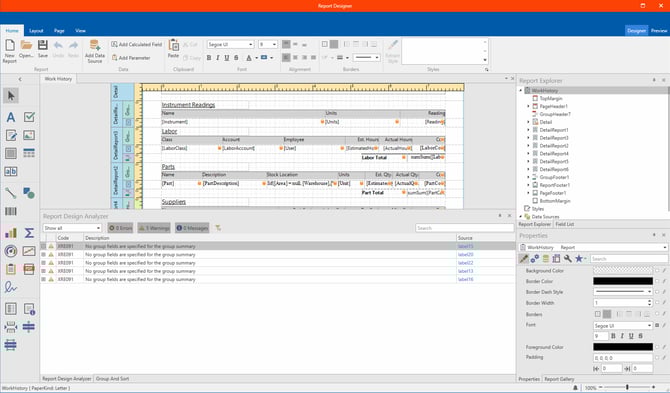
After any changes have been made, make sure to save the report which can be found at the top of the editor.
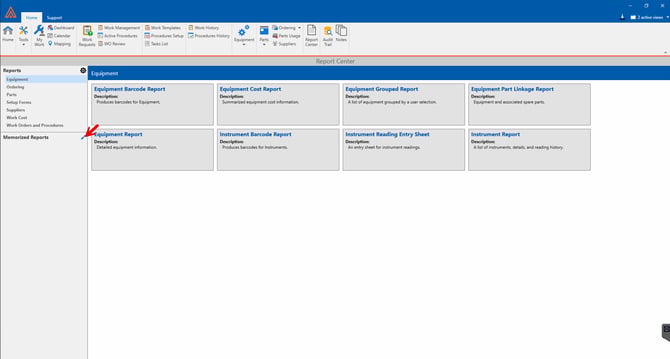
To memorize a report, press the pencil icon next to Memorized Reports.
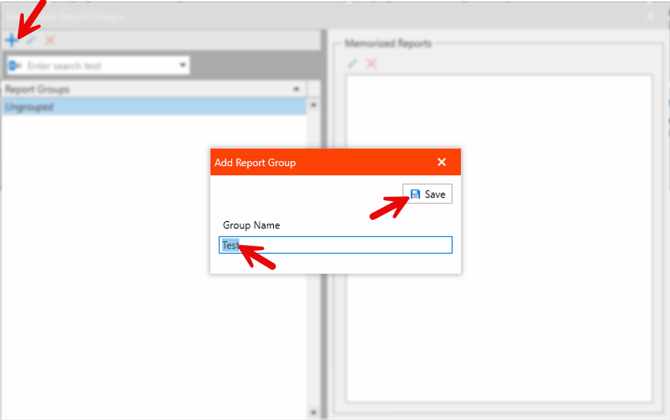
You then need to create a "Report Group" By pressing the add new group or "+" icon.
Name it and save the group.
You can then open any report from the report list.
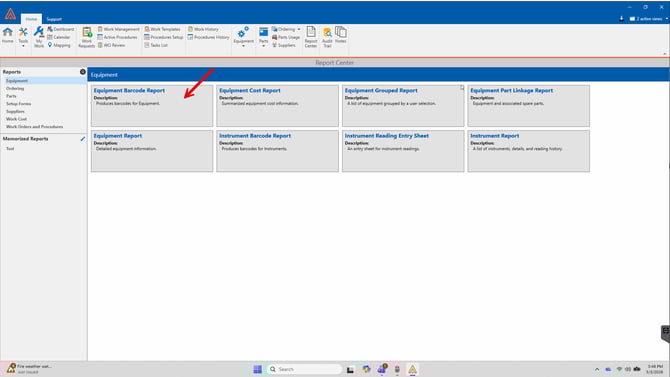
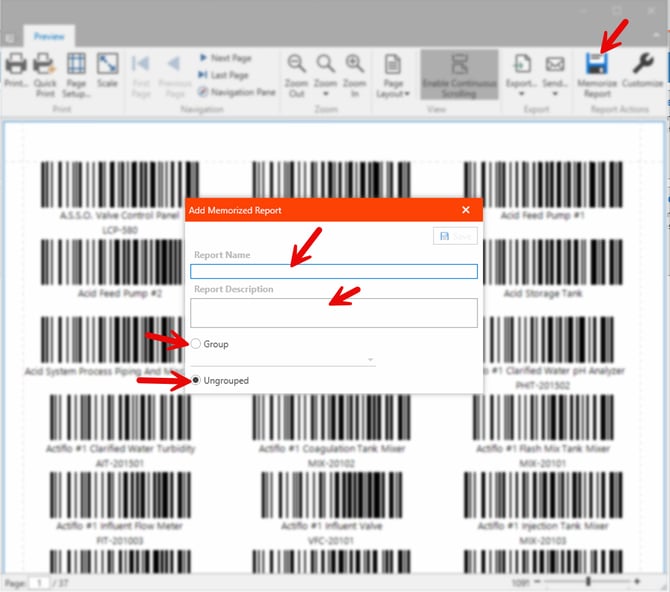
You can then press Memorize report, Name the report, give it a description, and select group or ungroup to further categorize the report for easier access in the future.
If you select a group of Memorized reports, you can then open a memorized report from this window.
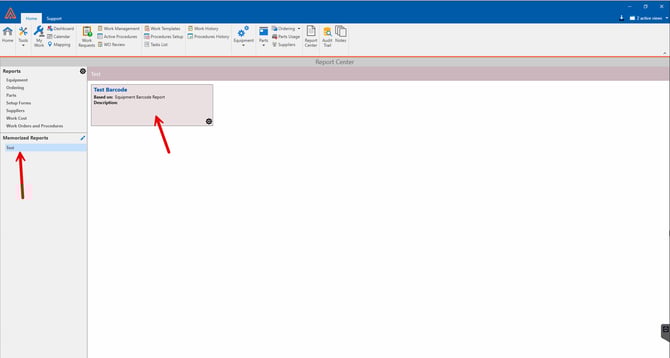
This can be useful if you create custom reports and wish to store them all in one place.