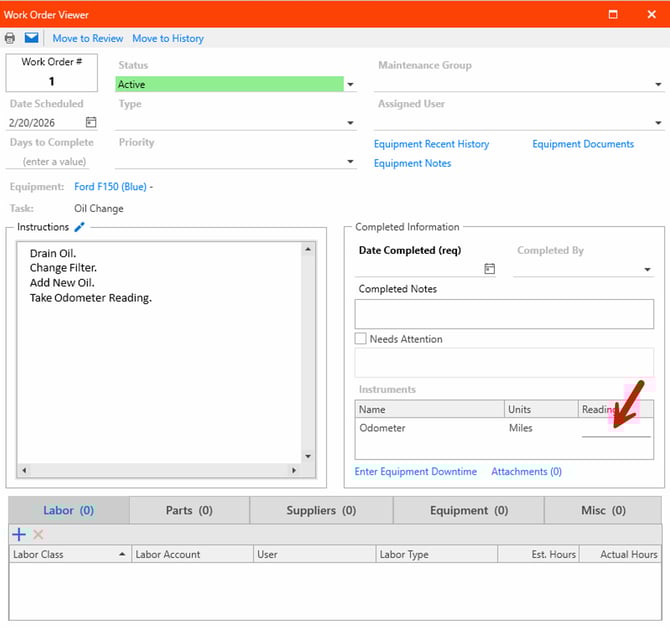
Navigating to Instrument Readings
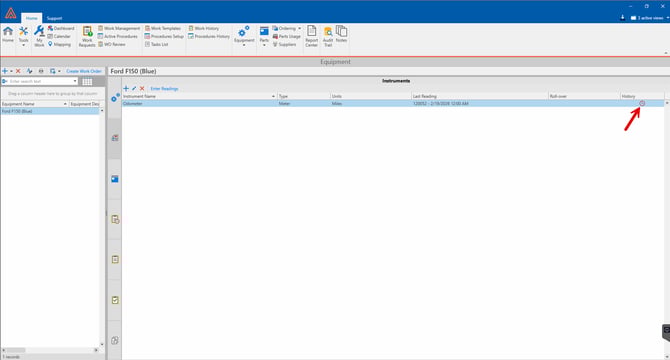
Instrument readings can be found in the equipment page under the instrument reading section as shown below.
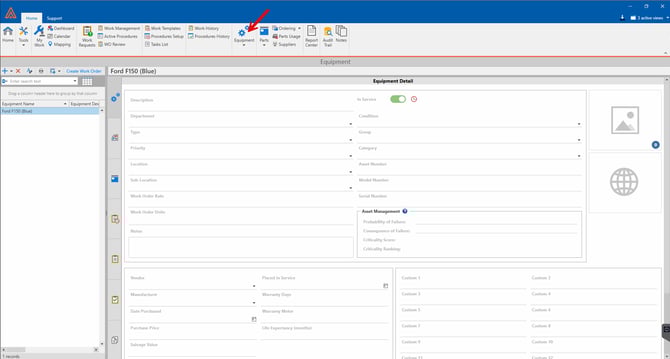
Press Equipment.
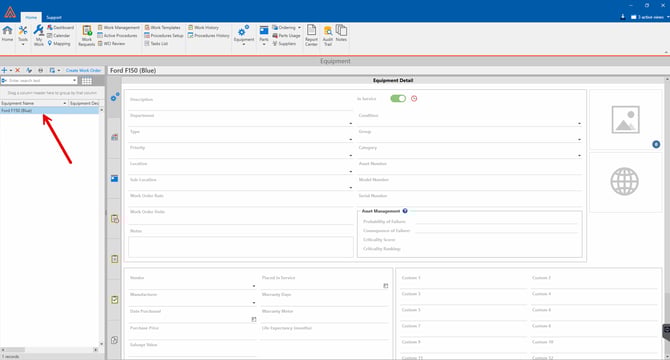
Select the Equipment.
Select the Instrument Tab.
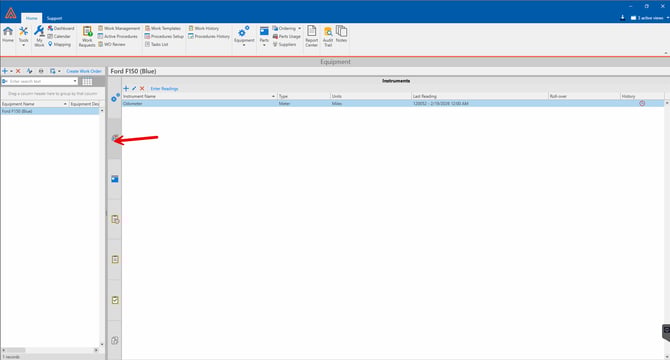
Enter New Readings
Select the History Option.
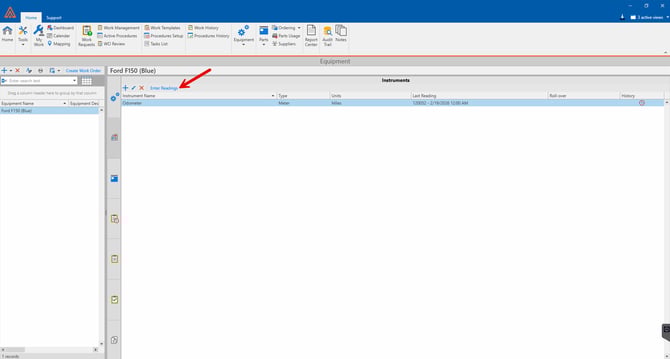
Here you can enter new readings by pressing the "Enter Readings Button."
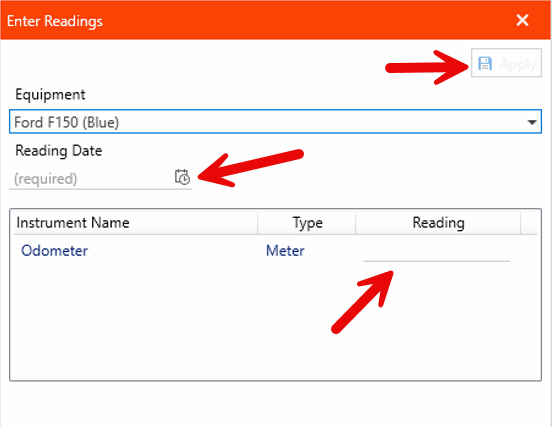
You will need to Enter a date, type the reading in the field, and then press apply.
You can also Enter readings directly into a work order as shown below.