Using Login Prompt
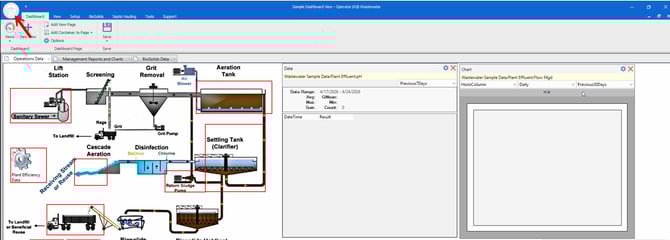
Press File, or the Operator 10 Icon.
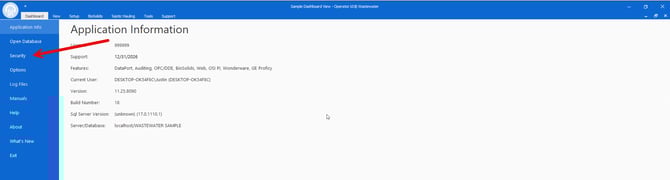
Press Security.
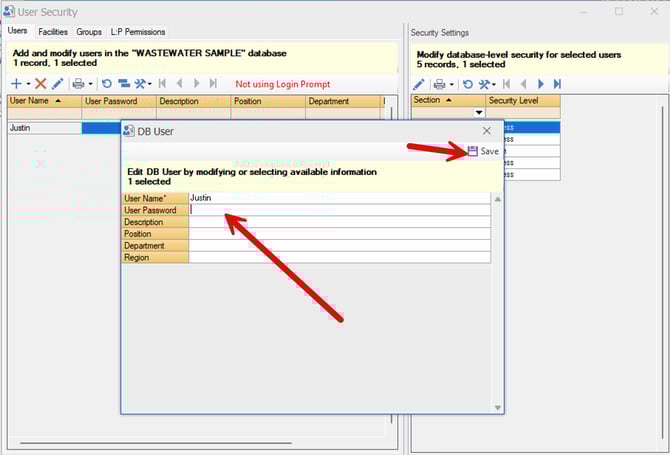
Highlight a user by clicking on the row, and press the pencil icon.
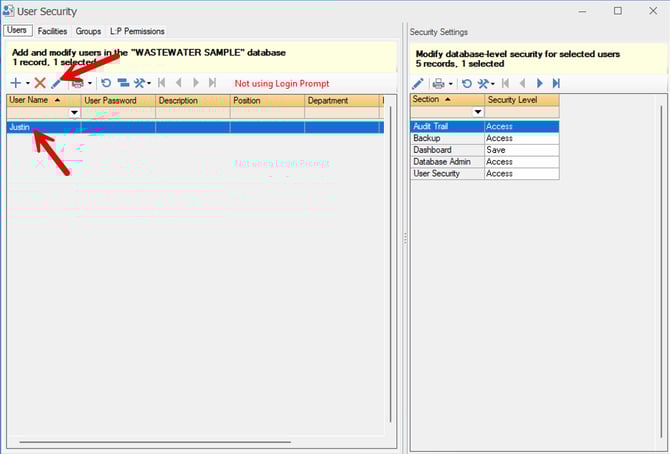
Type your desired password and press save.
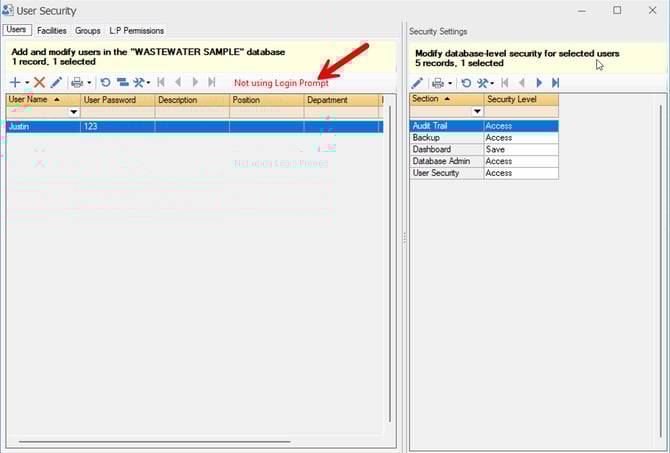
Then press "Not Using Login Prompt."
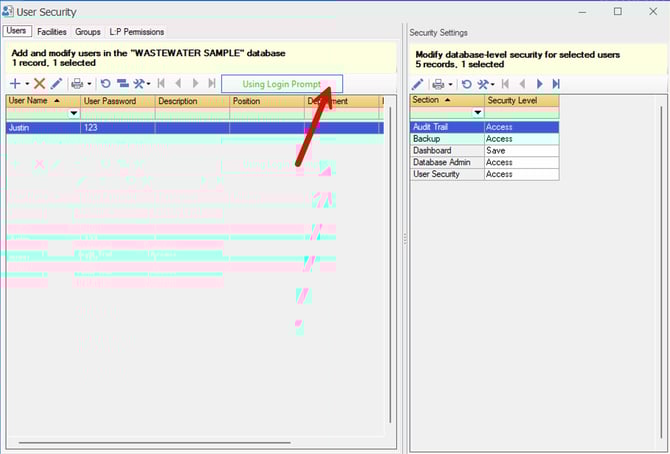
It will toggle to "Using Login Prompt."
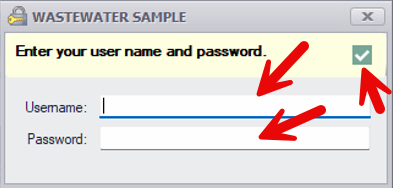
Users will be prompted with a login prompt next time they launch the application if they have a user password set. Enter your username and password, then press the green check to access the application.