What tabs are available in the Work Templates Detail Panel?
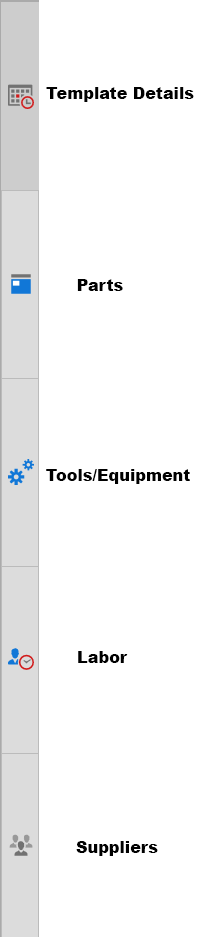
The Work Templates Detail Panel provides five dedicated tabs for managing your templates. Click each tab icon to access the corresponding sub-section within the detail panel.- Details – View and edit core template information.
- Parts – Manage parts associated with the template.
- Tools/Equipment – Manage tools and equipment requirements.
- Labor – Define labor assignments for the template.
- Suppliers – Manage supplier information linked to the template.